After many years of not using chargehq I have returned and if it will achieve the automation I have always wanted of charging my Tesla Model 3 anywhere between 5 and 12 amps whatever is available only when home battery is above 90% and home load is covered I don’t mind paying for the subscription. I reconnected yesterday and had no trouble reconnecting to my car and Sungrow SH5K-20 with 10kWh battery. While the inverter details were available on the chargehq app yesterday the home tab does not show details today. With 0.0kW on solar symbol and message of “Solar generation is below Min Solar Generation setting” This data is getting out to iSolarCloud I can verify by app and online, can appreciate the lag of several minutes but chargehq can no longer see the data even after removing and adding the plant id and channel/partner. Please note that this Hybrid inverter is not connected to the Grid so my home battery needs to be as close to 90% at the end of the day. It is only in the wet season that we have a few days where this is not possible due to clouds. Have I missed something @jay ?
Hi @pilbara1970. Thanks for the post. This appears to be a bug in the Sungrow API - it’s occasionally returning incomplete data.
I will implement a workaround in Charge HQ but it might take a week or so to get it done. I’ll update this post when it’s done.
Cheers,
Jay.
Thank @jay . Appreciate what you did there as ChargeHQ app can now see the data for my Sungrow inverter and Battery along with the car. I have gone over the settings several times and made several changes but still unable to get charging to work on Auto between 5 and 12 Amps once home battery is above 90%. Stop and Charge Now manually works most of the time. Can you please check my settings to achieve this?
@pilbara1970 a fix was made today which should correct the data from your Sungrow system. Please try it for a day or so and see how it goes. Cheers.
Hi Jay
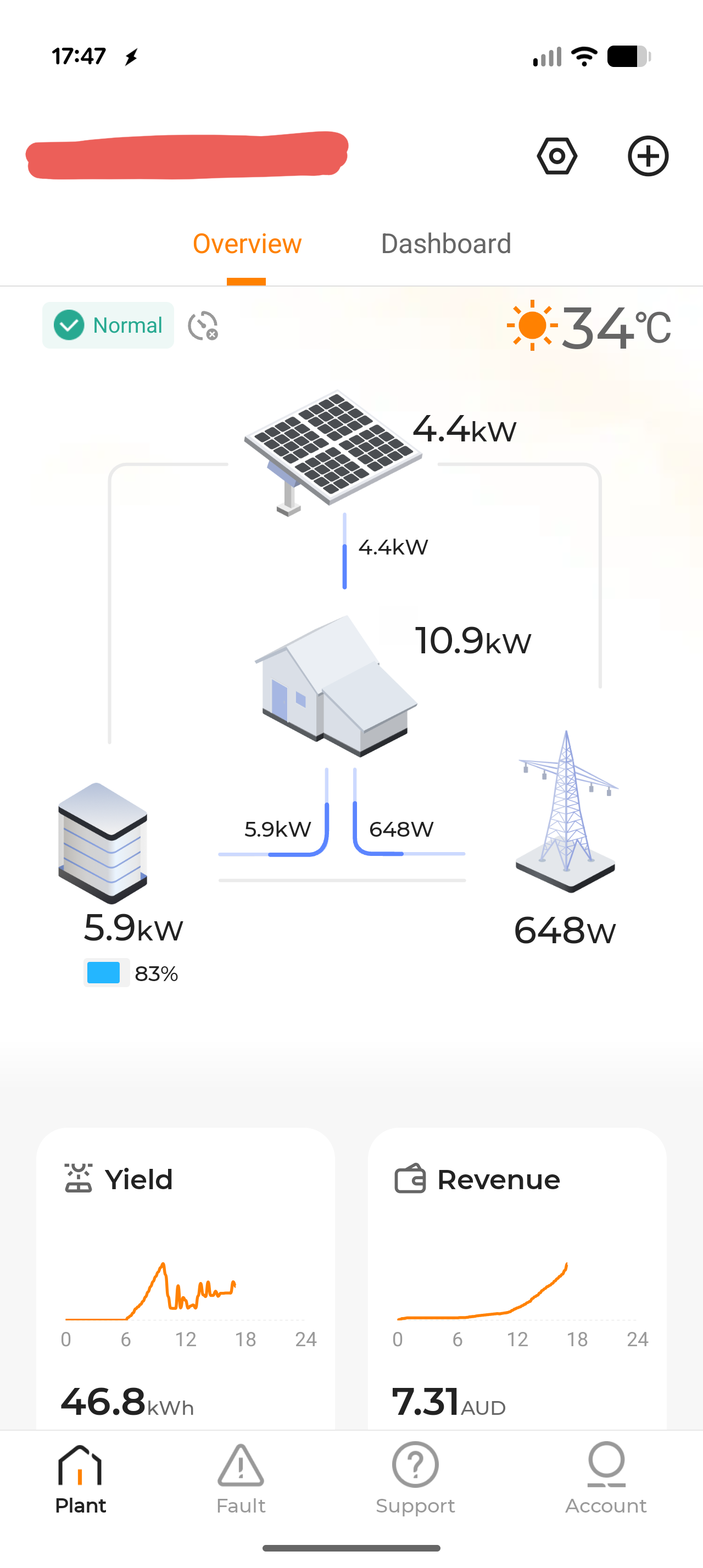
I have the same issue. Charge Hq detects the Sungrow inverter but it is not detecting solar.
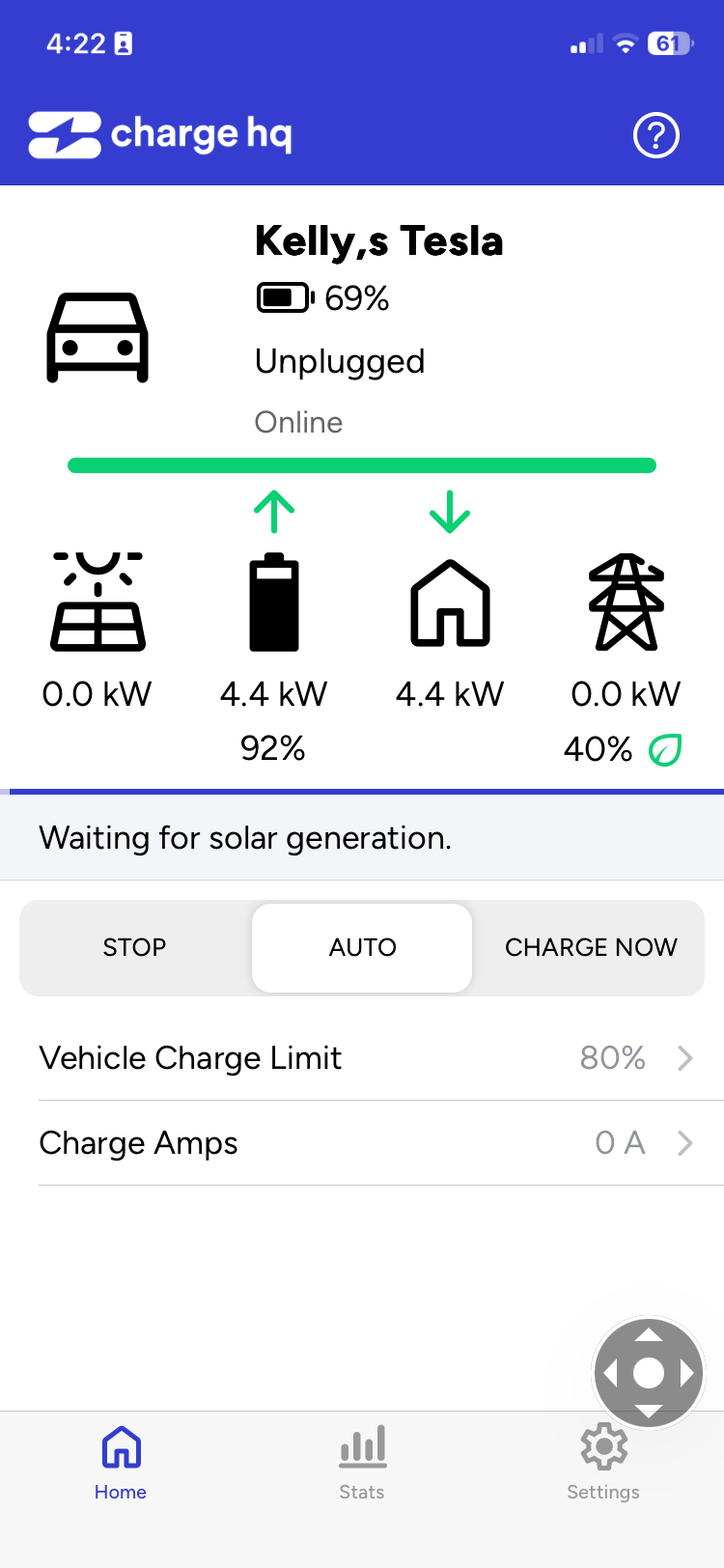
Solar generation is showing in iSolarCloud
Unfortunately the App is not usable unless this can be fixed
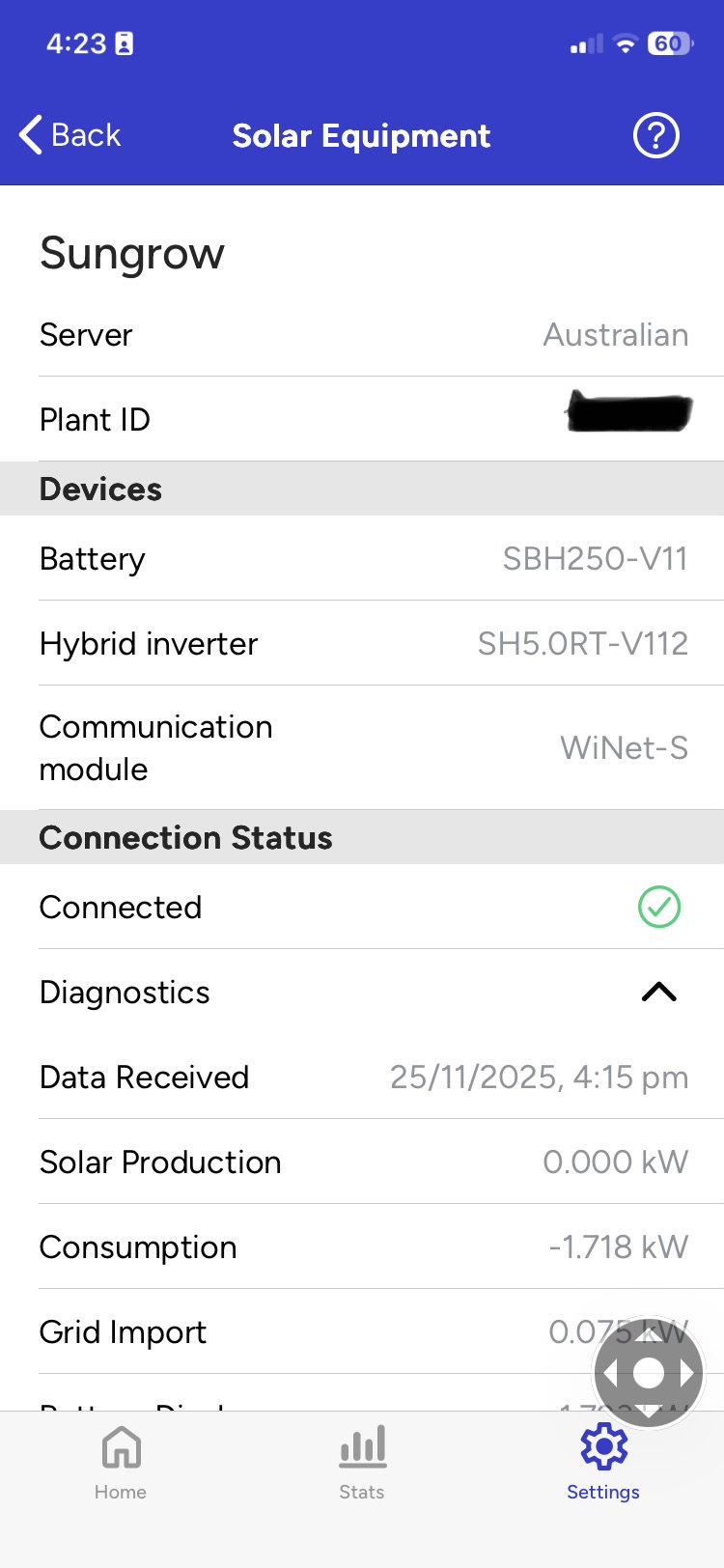
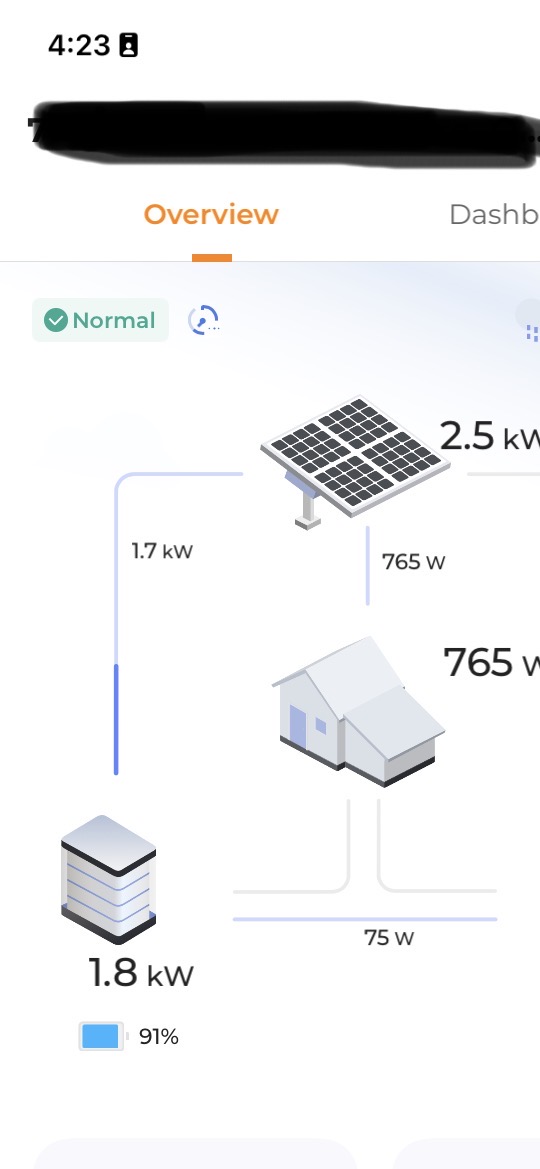
My ChargeHQ app has been working with my isolarcloud account for a few days after being setup, but stopped yesterday. The ChargeHQ app has old data showing and says solar data has stopped.
Let me know how I can assist debugging this.
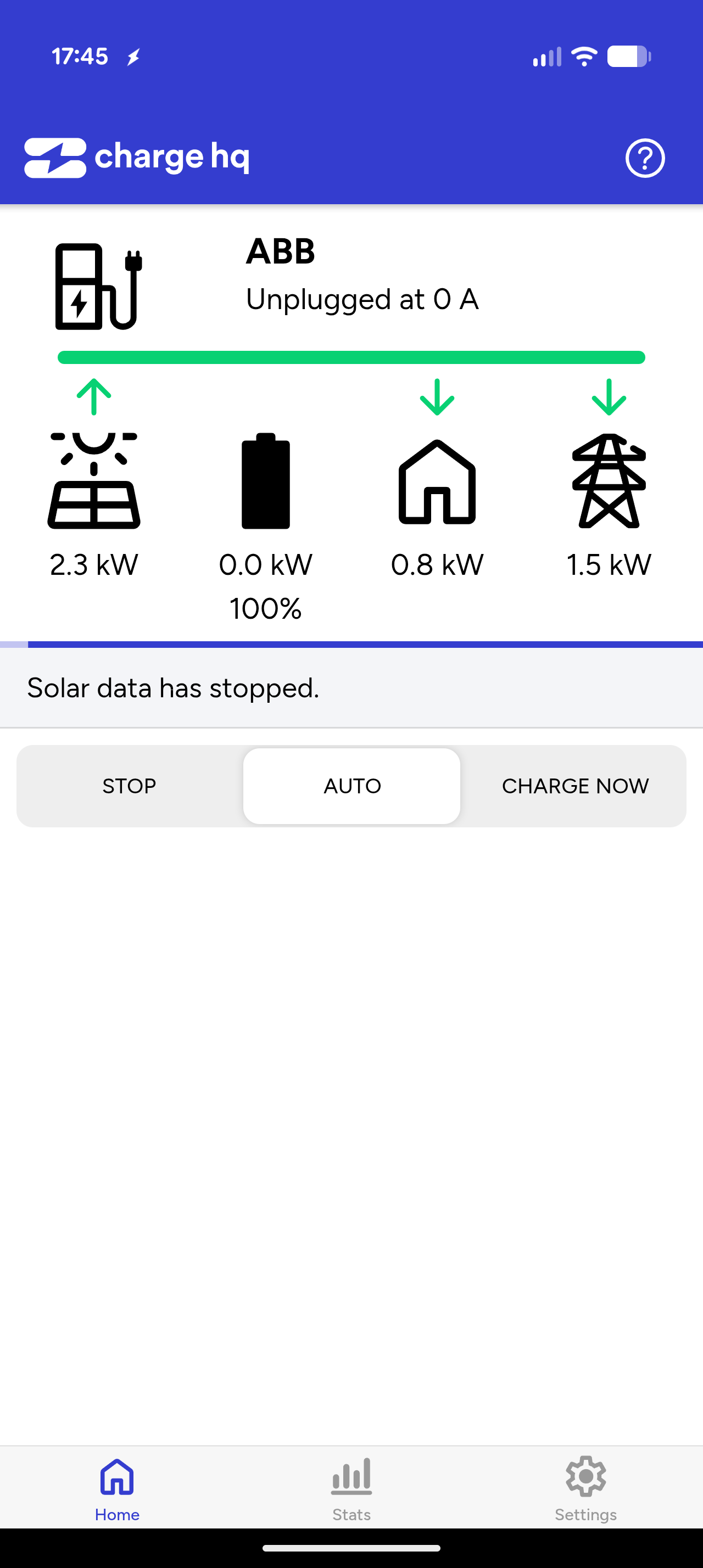
Hi @adam. Apologies for the very slow reply.
Your Charge HQ account was currently configured to obtain data from your Solar Analytics account, which isn’t supplying any data. I’ve reconfigured it to use the Sungrow account you used previously.
However, the Sungrow API is returning no data for your plant. I’m not sure why. I will follow up with Sungrow, hopefully they can help.
Cheers,
Jay.
Thanks. I was trying Solar Analytics last night as a potential workaround.
@adam this issue should be resolved now, and Sungrow data is now working for your site.
The problem seems to have come from a change in timezone for your Sungrow site, which Charge HQ did not deal with correctly.
Cheers,
Jay.
Confirming that it’s fixed on my end. That’s amazing thank you.
Hi @jay
I am having same issue on my end. No Solar data on HQ app however iSolar cloud has love data and no inverter issues. App is useless withiut the API working. I have never had an issue
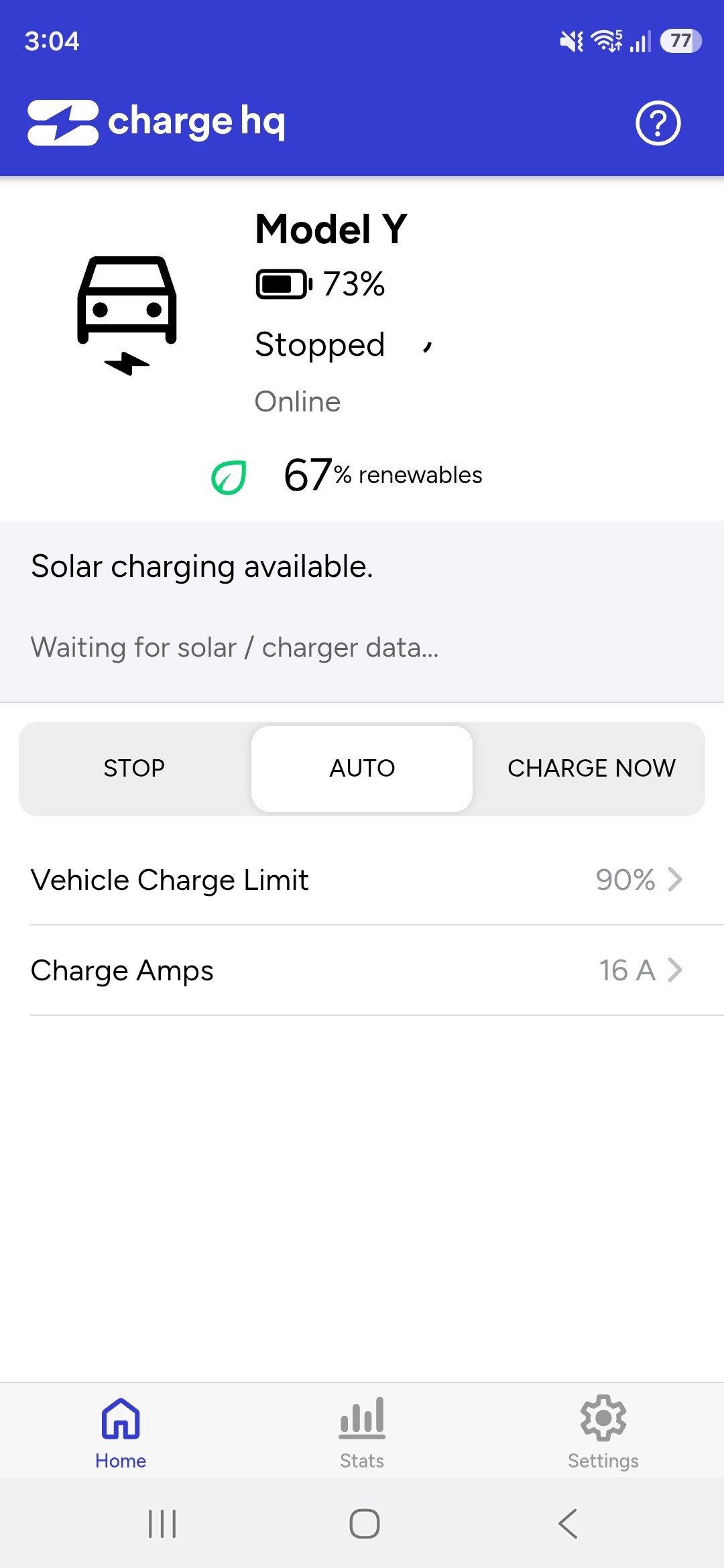
@jay i have removed interver and re added it serveral times. No luck. WiNet-s module has no issues on isolar clou either. Ive been running 2 years with now issues. Maybe daylight savings change in Sydney AEST could be the issue with API tokens ?
@jamesgillham13 I have the same issue. I was charging today and I noticed that the ChargeHQ app was recognising that the car was charging but it was registering the charge as being only from the grid. I dug into the settings and saw that the most recent battery and inverter data was from about 730am (this was about 11am). Like you, I dis- and reconnected the inverter with no luck, and ended up with ‘Waiting for data’ in the Sungrow equipment settings. I too am wondering if the daylight saving change over has upset something somewhere.
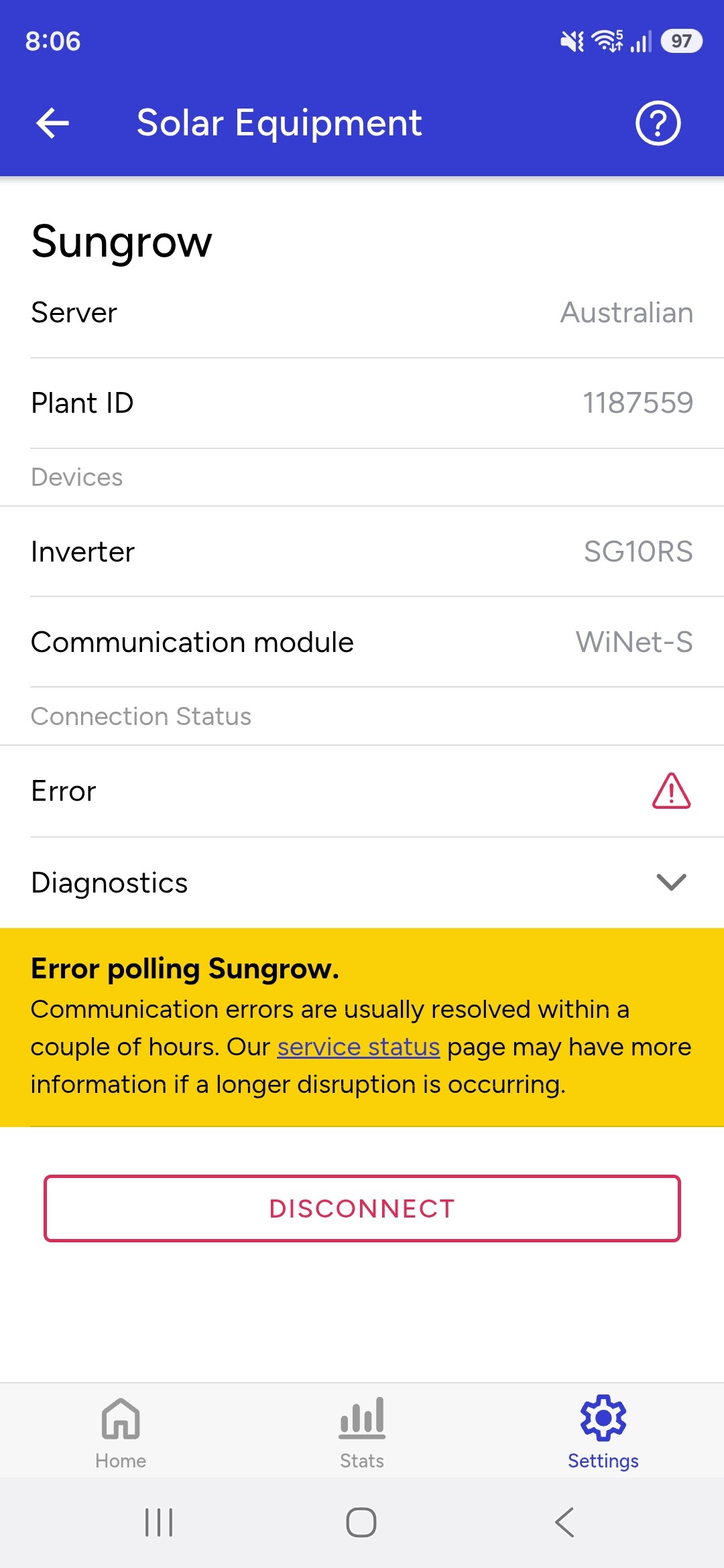
@jamesgillham13 @esuleau it should be working now. It appears to have been an issue related to DST, although I don’t totally understand it and it didn’t impact everyone. Perhaps Sungrow did something unusual on their side?
Please let me know if it doesn’t look right.
Cheers,
Jay.

